AI keyboard for iPhone
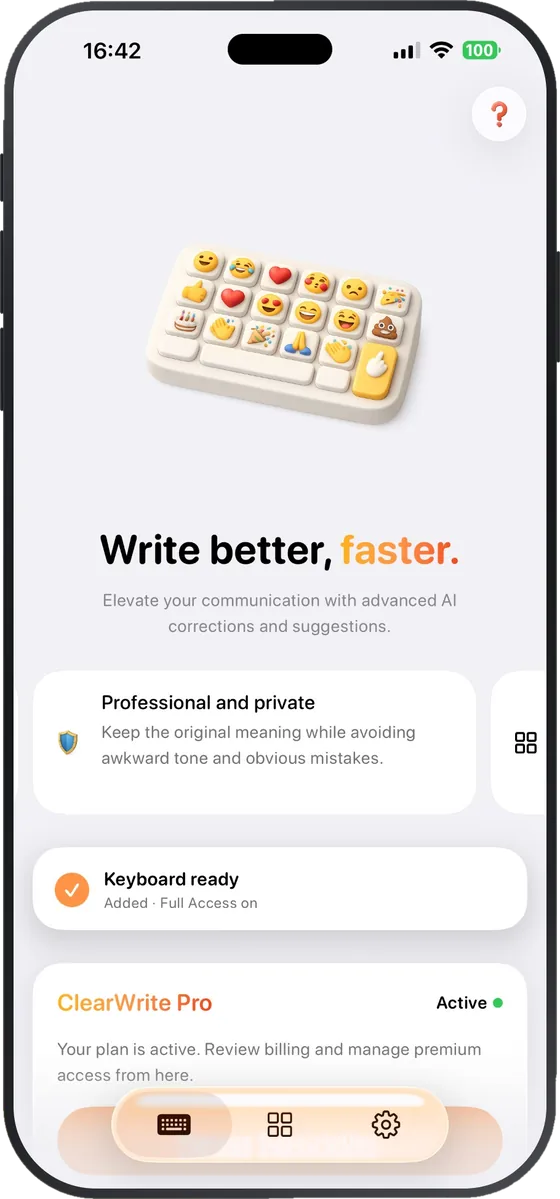
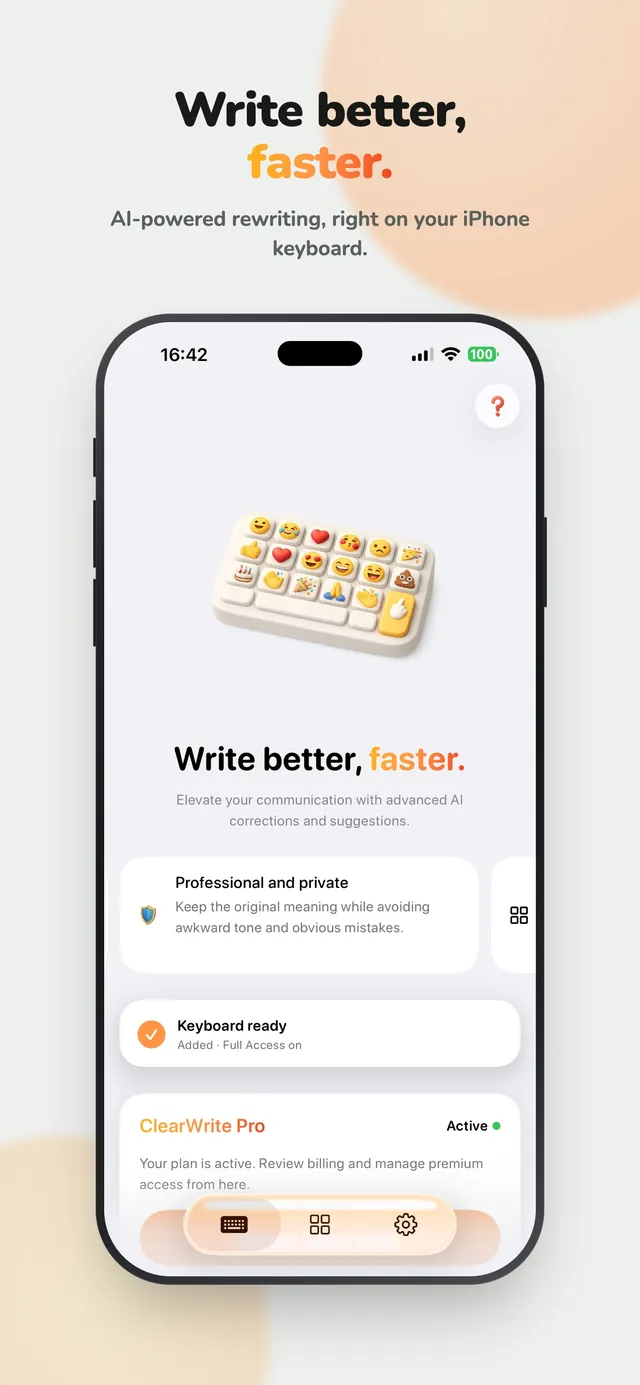
Write better, faster.
Rewrite, fix, and translate right from your iPhone keyboard. No copy-pasting into a chatbot.
Free to download · iPhone only
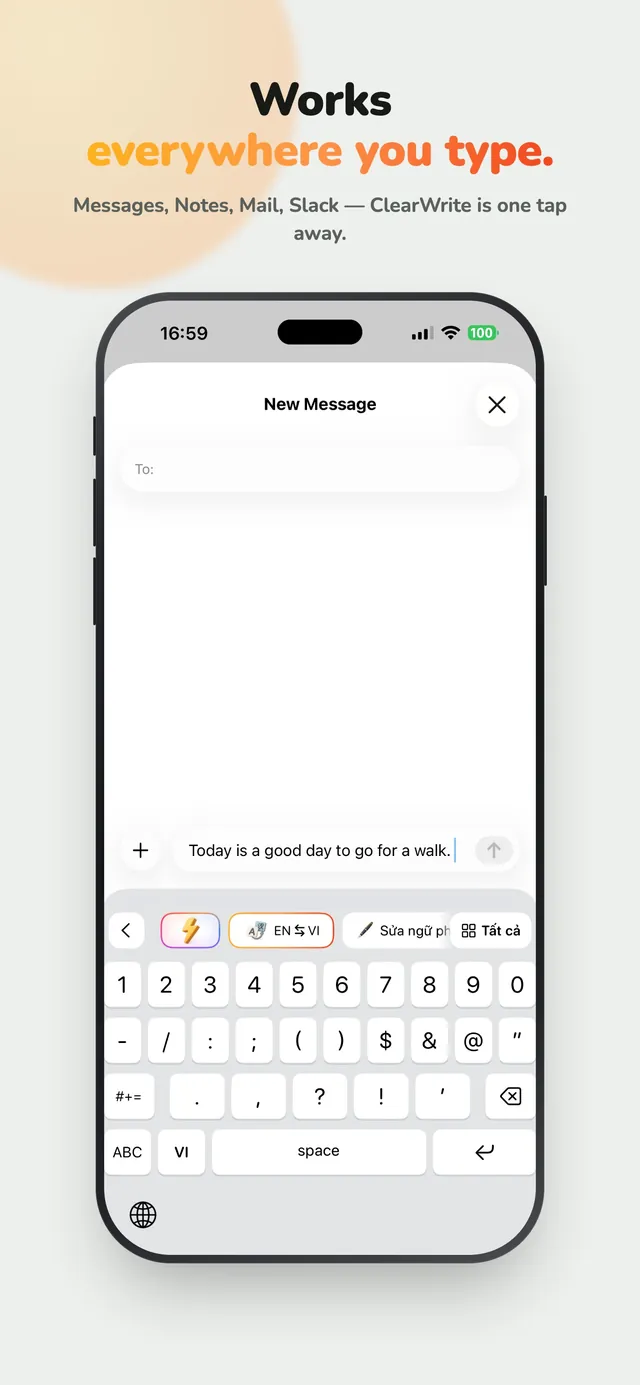
Works everywhere you type.
- Messages
- Mail
- Notes
- WhatsApp
- Slack
- and more
Features
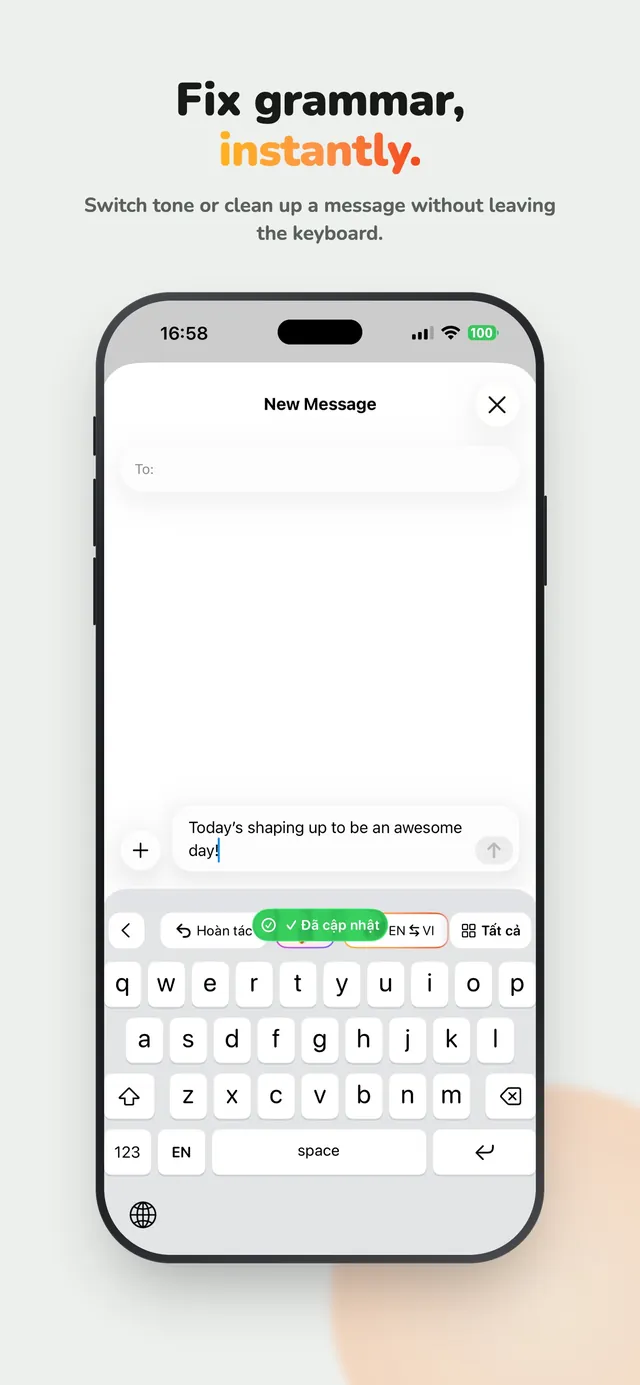
Write it once. Fix it in a tap.
Tone shortcuts
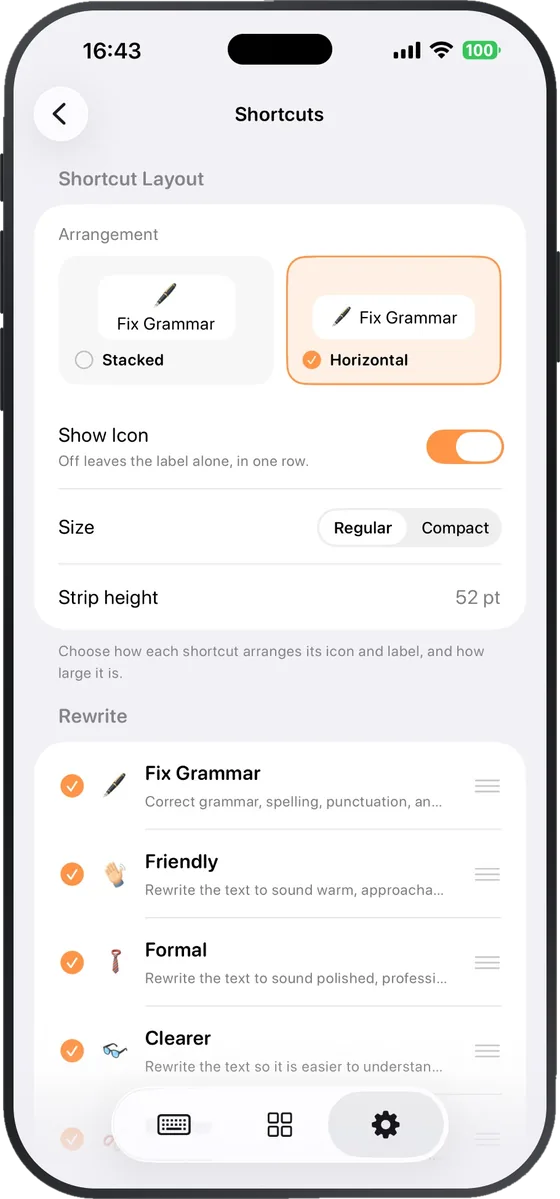
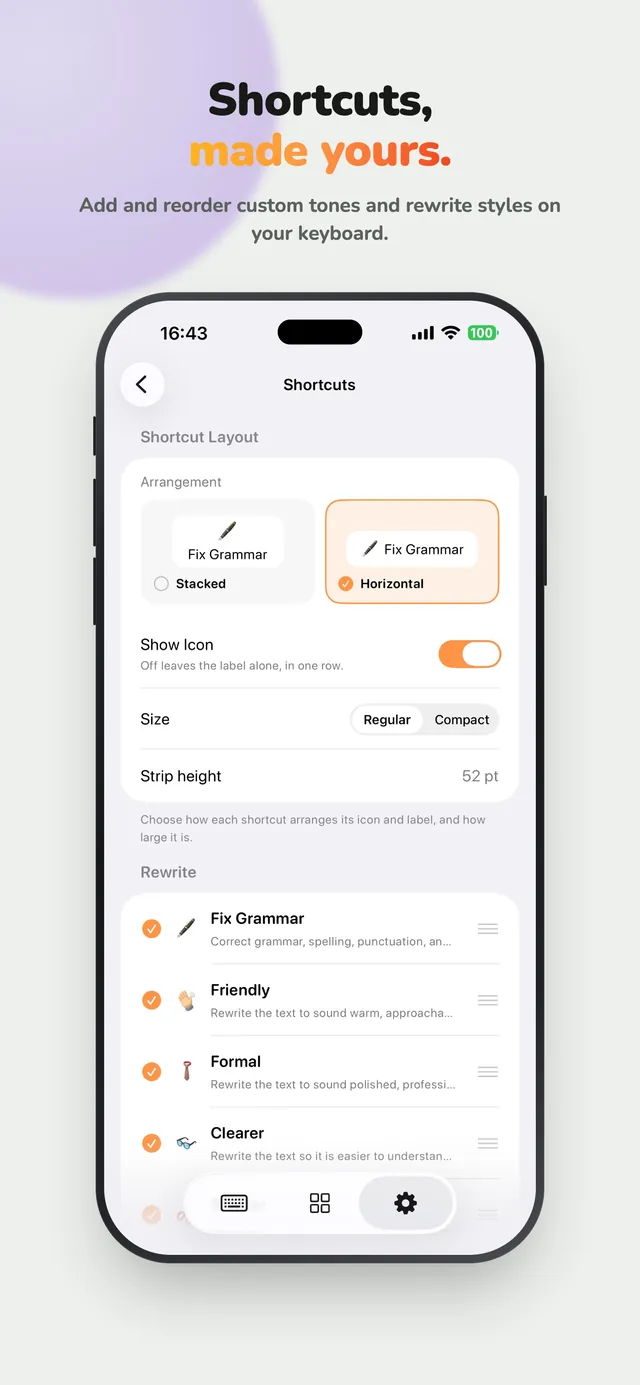
Shortcuts, made yours.
Type, tap a chip, done. Add, remove, and reorder the tones and rewrite styles on your keyboard.
- Fix Grammar, Friendly, Clearer, and Shorter are free
- Formal, Simplify, and custom shortcuts with Pro
- Fun tones: Gen Z It, Hype Up, Unbothered, Dramatic, Group Chat
⚡ Flash Edit
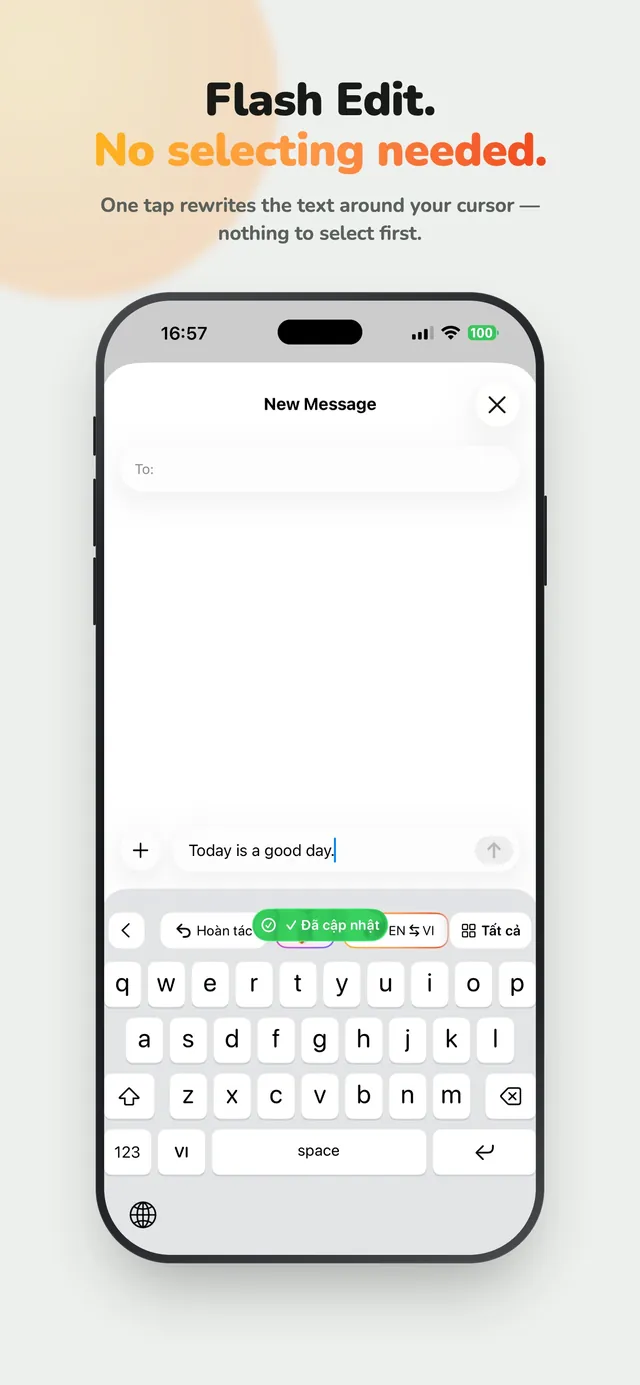
Flash Edit. No selecting needed.
One tap on ⚡ rewrites the text around your cursor. Nothing to select first.
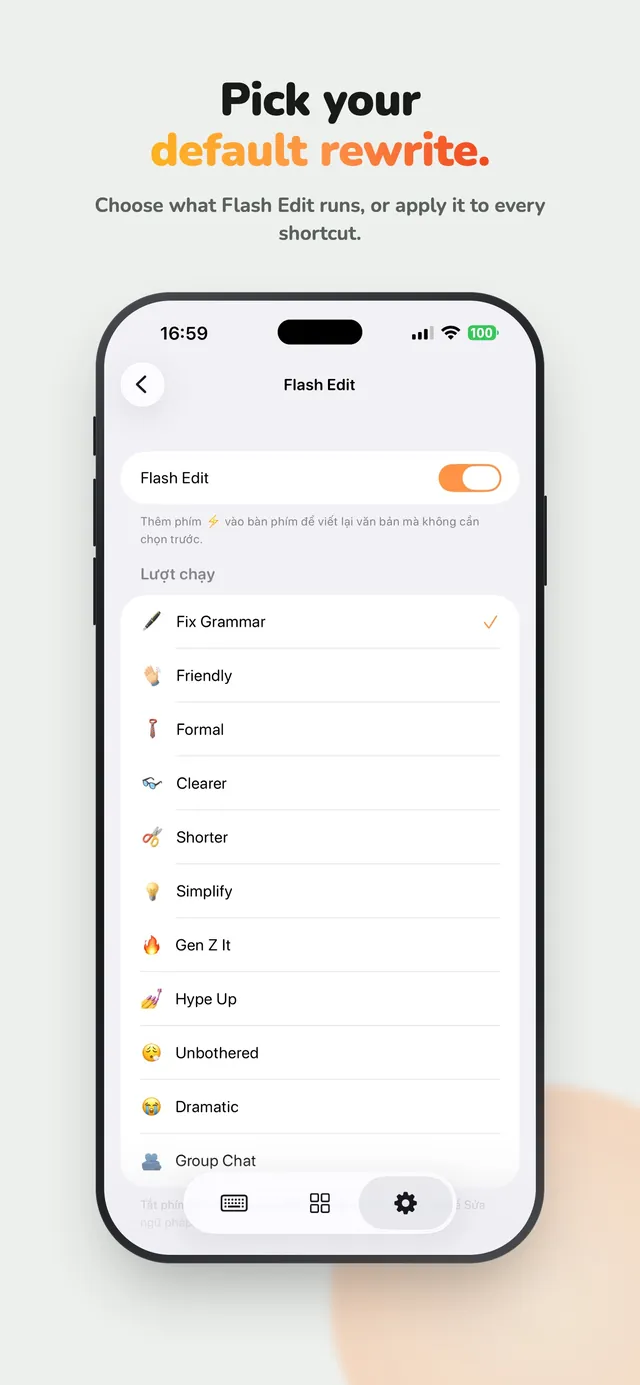
- Pick your default rewrite — Fix Grammar out of the box
- Or apply it to every shortcut
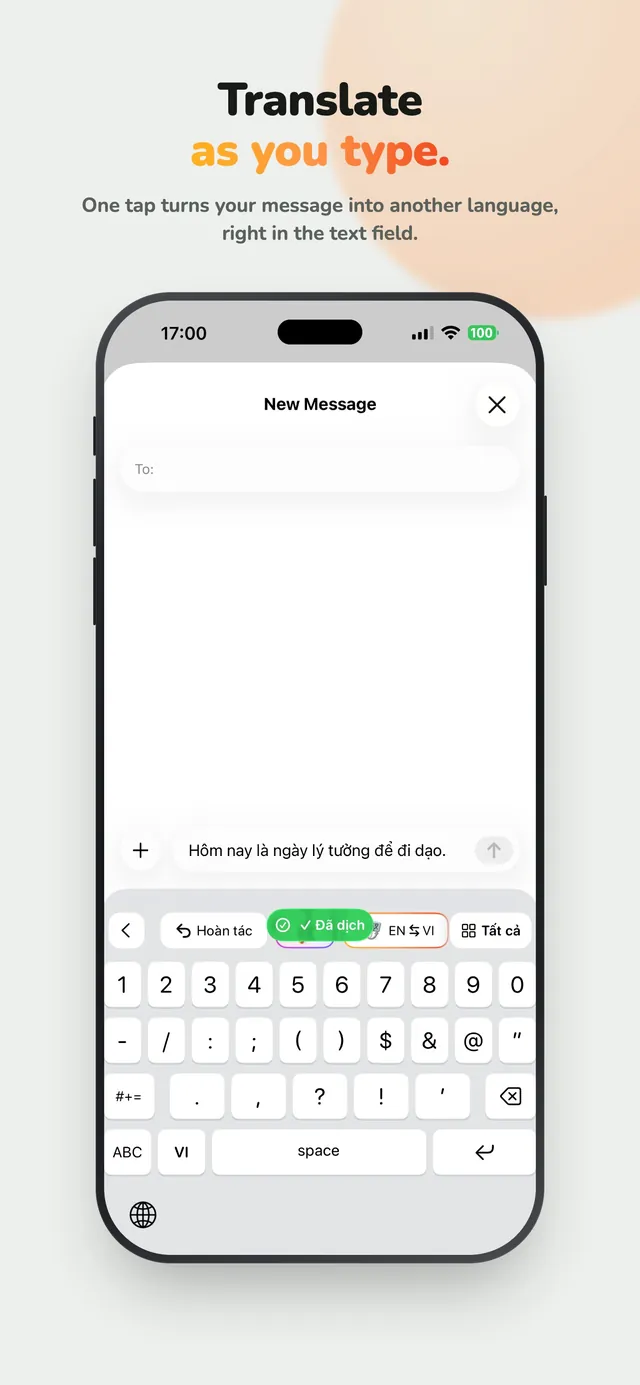
Translate
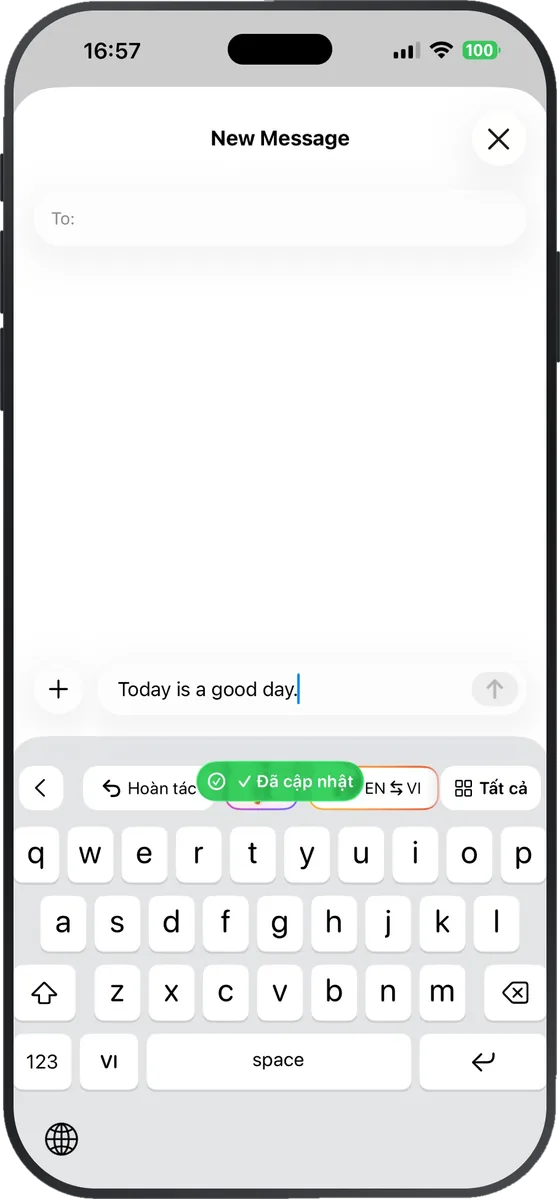
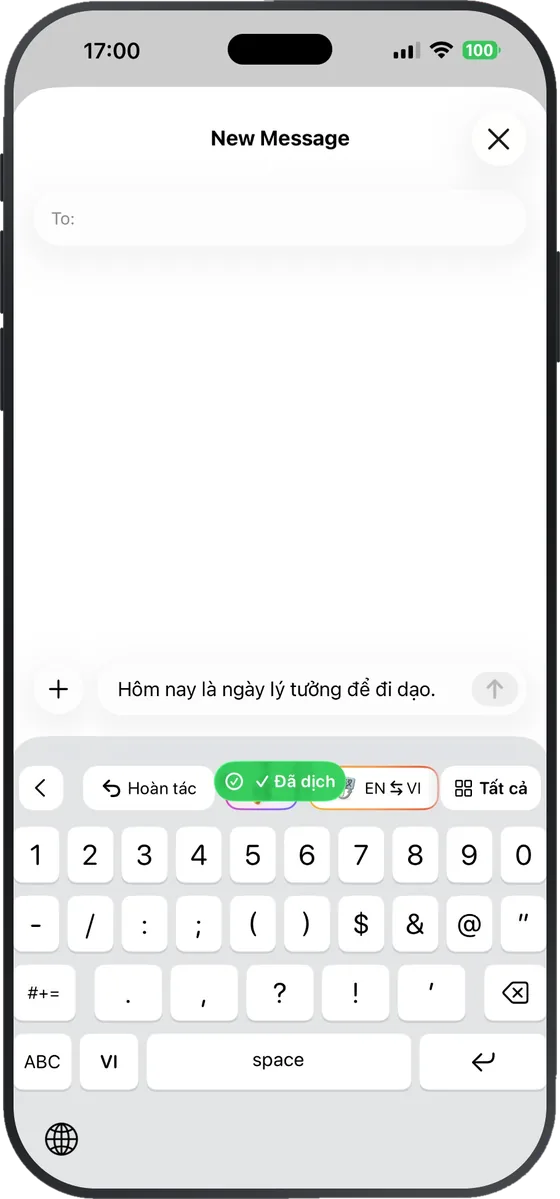
Translate as you type.
One tap turns your message into Vietnamese or English, right in the text field.
- 10 translations a month free
- Unlimited with Pro
Smart suggestions
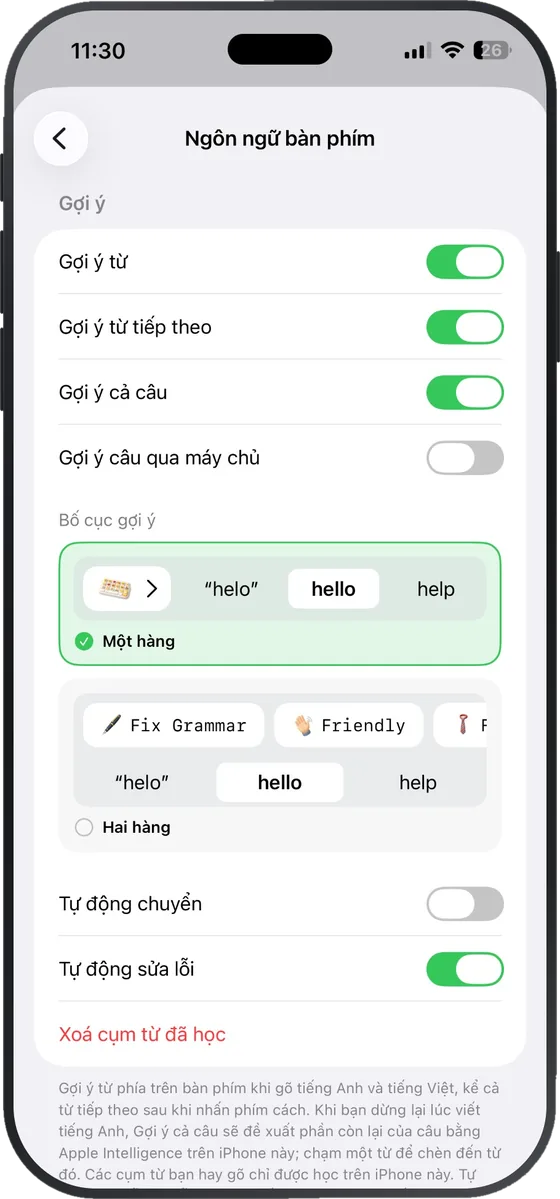
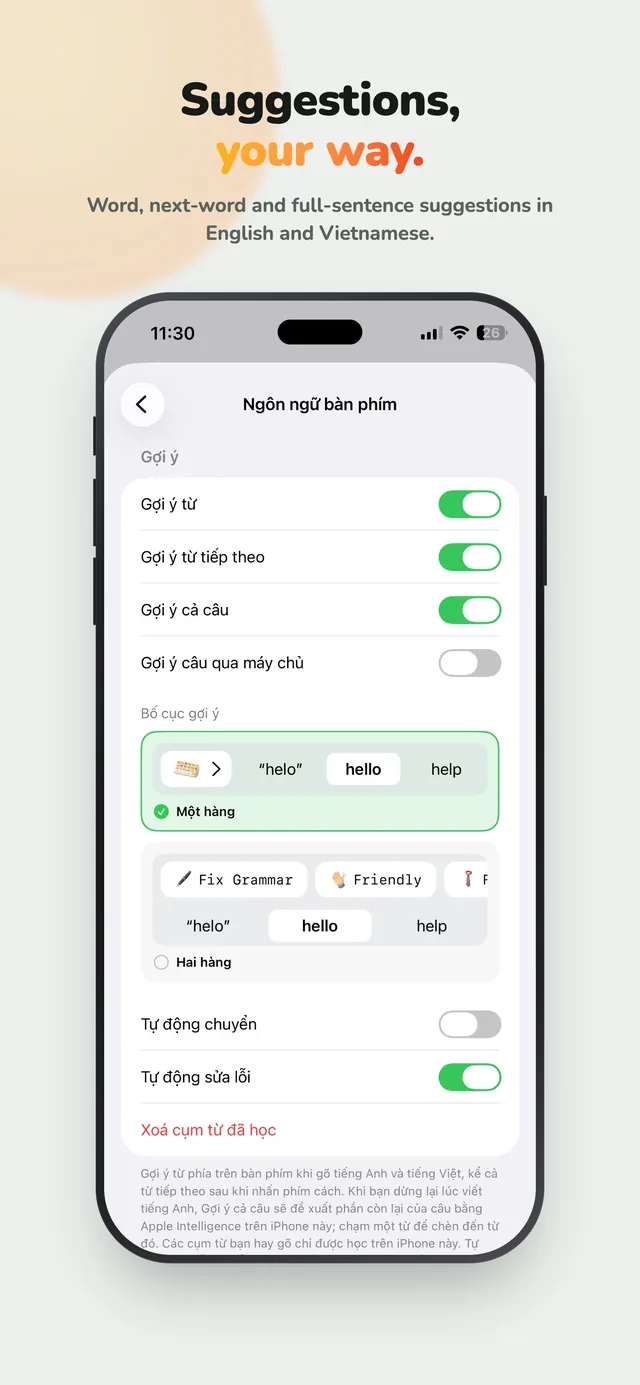
Suggestions, your way.
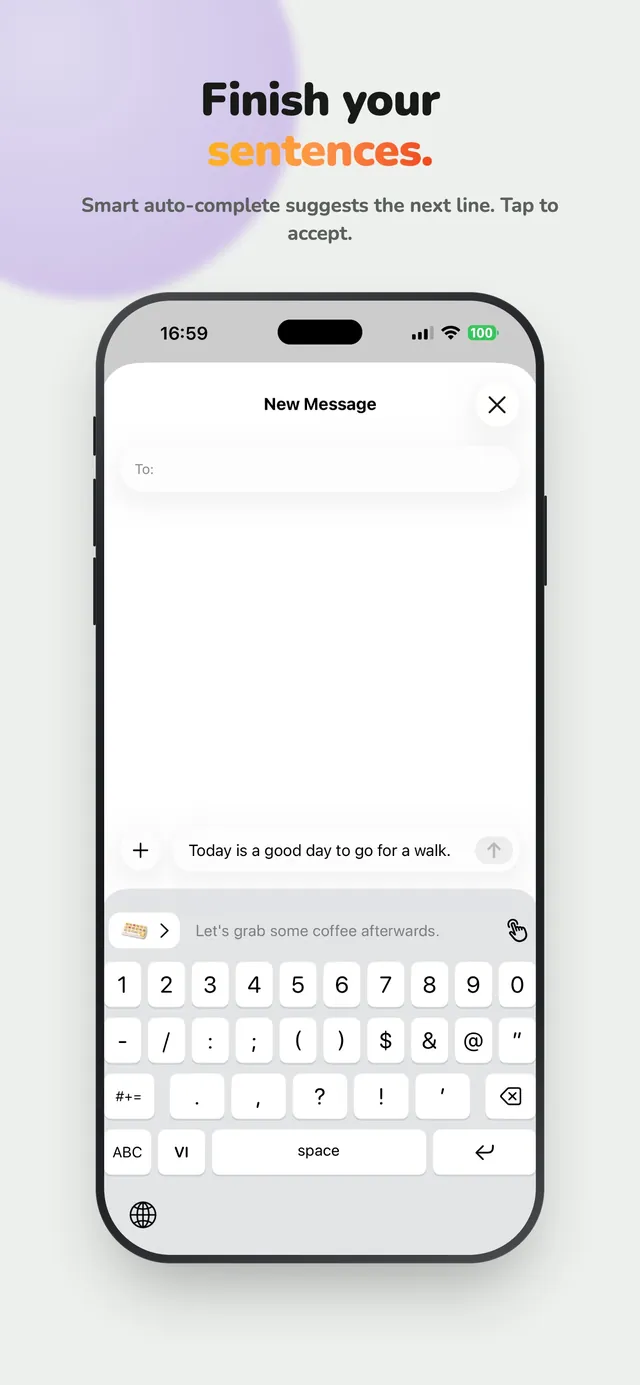
Word, next-word, and full-sentence suggestions in English and Vietnamese. Tap to accept the whole line.
- One-row or two-row suggestion layout
- Autocorrect and auto-switch, your call
Private by design
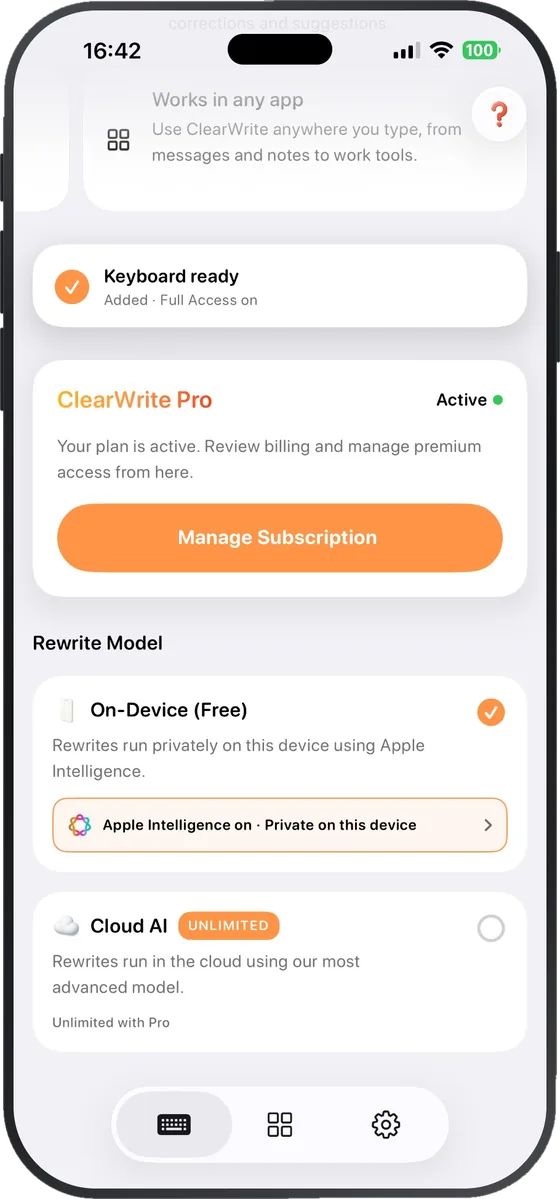
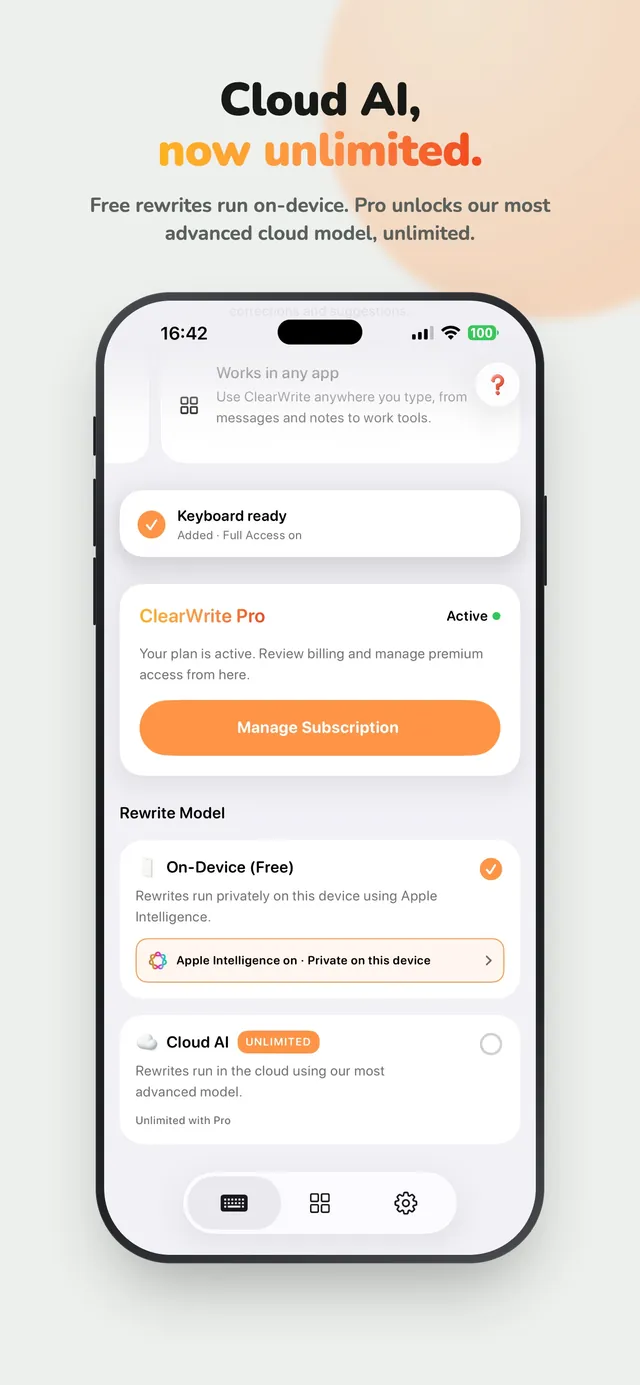
Cloud AI, now unlimited.
Free rewrites run on-device with Apple Intelligence, so your text stays on your iPhone. Pro unlocks our most advanced cloud model, unlimited.
- On-device rewrites: unlimited and free on supported iPhones
- Cloud AI: unlimited with Pro
Screenshots
See it in action.
Everything else
Small things that add up.
- Vi
Vietnamese typing
Full Telex and VNI input, no second keyboard needed.
- ✎
Custom shortcuts
Write your own instruction once. Reuse it with one tap.
- ▤
Your layout
Stacked or horizontal chips, with or without icons, regular or compact.
- ◐
14 app icons
The keyboard accent follows the icon you pick.
Plans
Free to start. Pro when you need more.
Free
Everything you need every day.
- Unlimited on-device rewrites
- 20 cloud rewrites a month
- 10 translations a month
- Fix Grammar, Friendly, Clearer, Shorter
- Flash Edit and Smart Compose
Download freePro
For people who write all day.
- Unlimited cloud rewrites
- Unlimited translations
- Formal and Simplify shortcuts
- Custom shortcuts
- Premium app icons
Try ProSetup
Up and running in four steps.
- 1
Install ClearWrite from the App Store.
- 2
Open Settings → General → Keyboard → Keyboards → Add New Keyboard → ClearWrite.
- 3
Turn on Allow Full Access.
- 4
In any app, hold or tap the 🌐 key to switch to ClearWrite.
Which apps does ClearWrite work in?
Any app where you can type: Messages, Mail, Notes, WhatsApp, Slack, and more. It's a keyboard, so it goes wherever your text goes.
Is my text private?
On iPhones with Apple Intelligence, free rewrites run on the phone and your text stays there. Pro's Cloud AI and iPhones without Apple Intelligence send text to our cloud model to rewrite it.
Why does it ask for Full Access?
ClearWrite needs Full Access to run rewrites and translations from the keyboard. You can change it any time in Settings.
Is ClearWrite free?
Yes, it's free to download. Free includes unlimited on-device rewrites, 20 cloud rewrites and 10 translations a month. Pro removes the limits.
Does it work on iPad, Mac, or Android?
ClearWrite is built for iPhone.
 ClearWrite